
Download Hexaliz Engine
Test build of the release workflow on the staging site. It is not the public Beta and updates only to newer staging builds.
Windows x64 download
Download test buildWindows x64Version 0.2.1-staging.1082.8 MiBPublished 2026-10-31
Verify file details
NSIS installer (.exe) · 86,817,782 bytes · SHA-256
7f045cc31a7b5dfe7c74c5e5db73e5df673662a796c1aafc691b1f97d4debde2Linux x86-64 download
Download for LinuxLinux x86-64Version 0.2.1-staging.1095.0 MiBPublished 2026-10-31
Verify file details
AppImage (x86-64) · 99,572,216 bytes · SHA-256
2e7f9bbc3dd554bd6fab03618438da69c389829fa8841c3ac19ffd5a84573bd1Install on Linux
- Run it:
chmod +x HexalizEngine_0.2.1-staging.10_x86_64.AppImage && ./HexalizEngine_0.2.1-staging.10_x86_64.AppImage - Missing system packages (
./HexalizEngine_0.2.1-staging.10_x86_64.AppImage --check-systemlists them):sudo apt-get install -y libwebkit2gtk-4.1-0 libgtk-3-0t64 libsoup-3.0-0 libayatana-appindicator3-1 librsvg2-2 libxdo3 libsecret-1-0 libasound2t64 libudev1 libvulkan1 mesa-vulkan-drivers libgl1-mesa-dri libegl1 libgbm1 libxkbcommon0 libxkbcommon-x11-0 libpipewire-0.3-0t64 xvfb xauth ffmpeg fonts-dejavu-core - Without FUSE:
APPIMAGE_EXTRACT_AND_RUN=1 ./HexalizEngine_0.2.1-staging.10_x86_64.AppImage
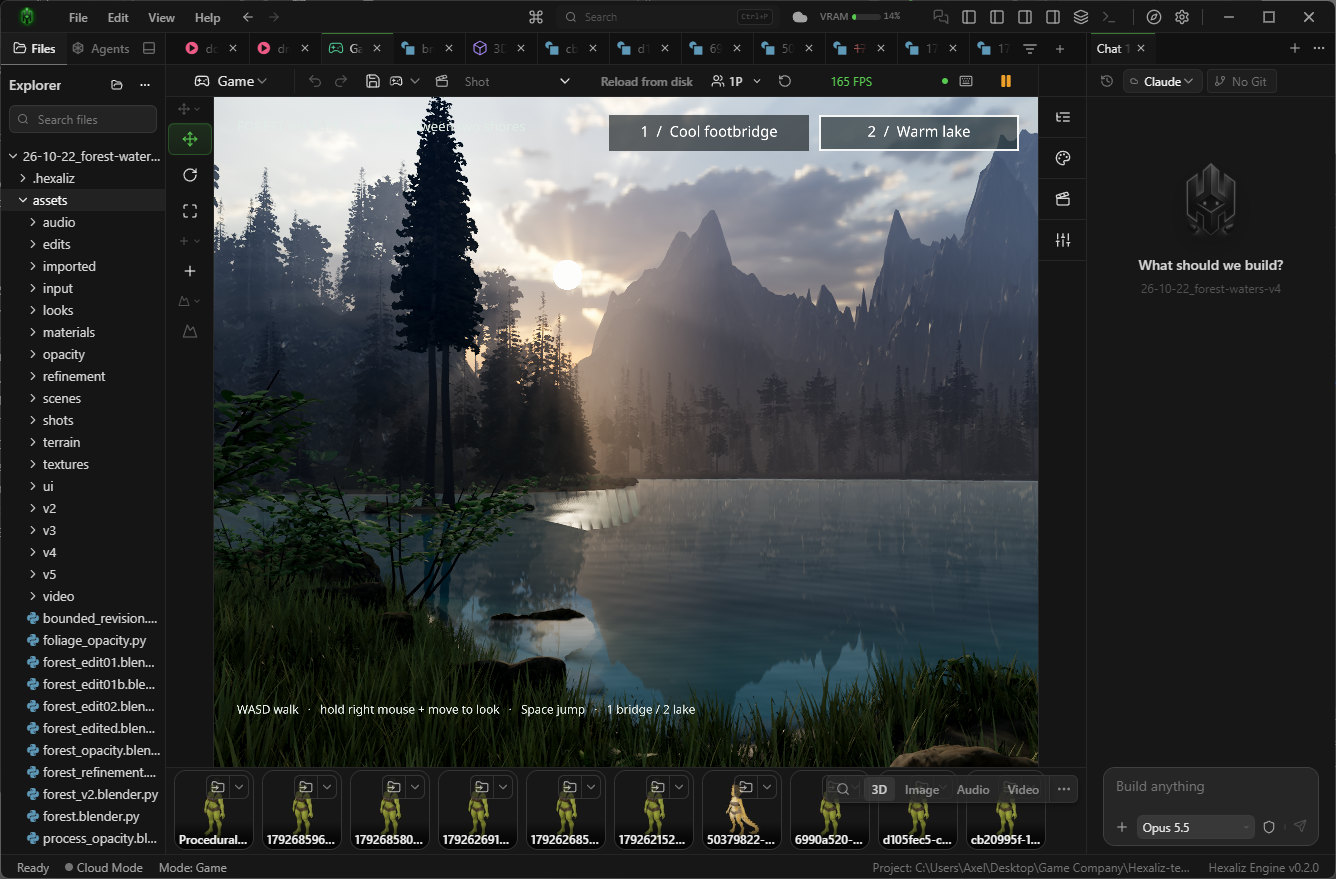
Install in three steps
- Step 1
Download the installer
One Windows x64 .exe. You can compare its SHA-256 under Verify file details.
- Step 2
Allow it in SmartScreen
If Windows says “Windows protected your PC”, select More info, then Run anyway.
- Step 3
Open Hexaliz
The first launch downloads Hexaliz’s own Python and Node runtimes. Stay online until setup completes.
This test build installer is not code-signed
- Windows may say “Windows protected your PC”. Select More info, then Run anyway.
- Your browser may warn that the file is not commonly downloaded. Keep the file to continue.
- PCs with Smart App Control turned on cannot run the unsigned test build.
- Compare the SHA-256 under Verify file details before running the installer.
Release notes · 0.2.1-staging.10
Staging test build 0.2.1-staging.10 of the current development code. For testing the release workflow only; not for general use.
Read known limitationsSystem requirements
- Operating system
- Windows, 64-bit (x64)
- Internet
- Required on first launch while Hexaliz sets up its runtimes
- Graphics
- A compatible graphics driver for native game rendering. Graphics support in virtual machines varies.
- WebView2
- Installed automatically if missing
- Browser
- Edge or Chrome for browser game sessions and headless asset previews
Uninstalling keeps %USERPROFILE%\.hexaliz (settings, generated assets, downloaded models and runtimes) and your projects. Remove that folder yourself only if you no longer need it.
Local AI and managed cloud
Local models are not part of the installer. Choose one inside Hexaliz and it downloads the model together with the runtime packages it needs; you never install GPU toolkits yourself. Some models first ask you to accept their license.
Requirements depend on the model and runtime you choose. Cloud generation has separate usage costs.
macOS — planned
This test build is for Windows and Linux. A version for macOS is planned for a later release.